Full Analysis
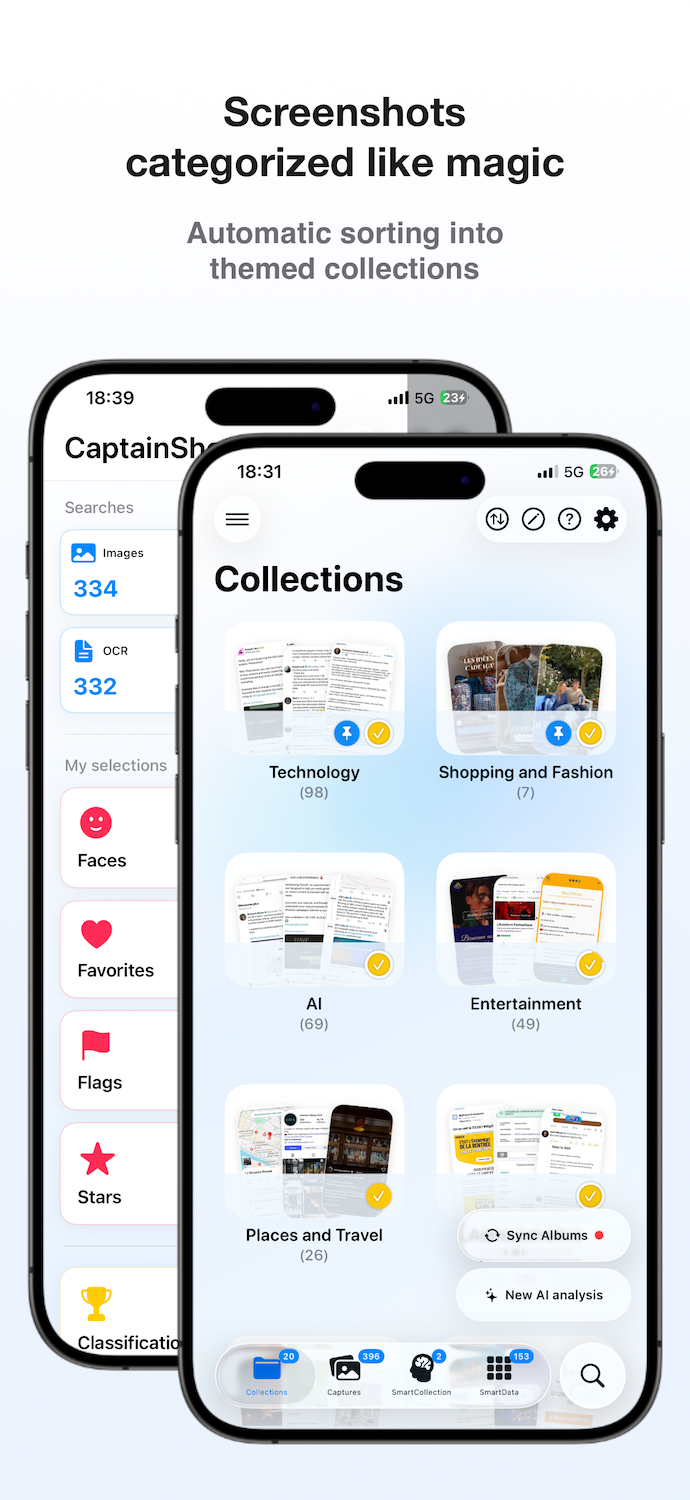
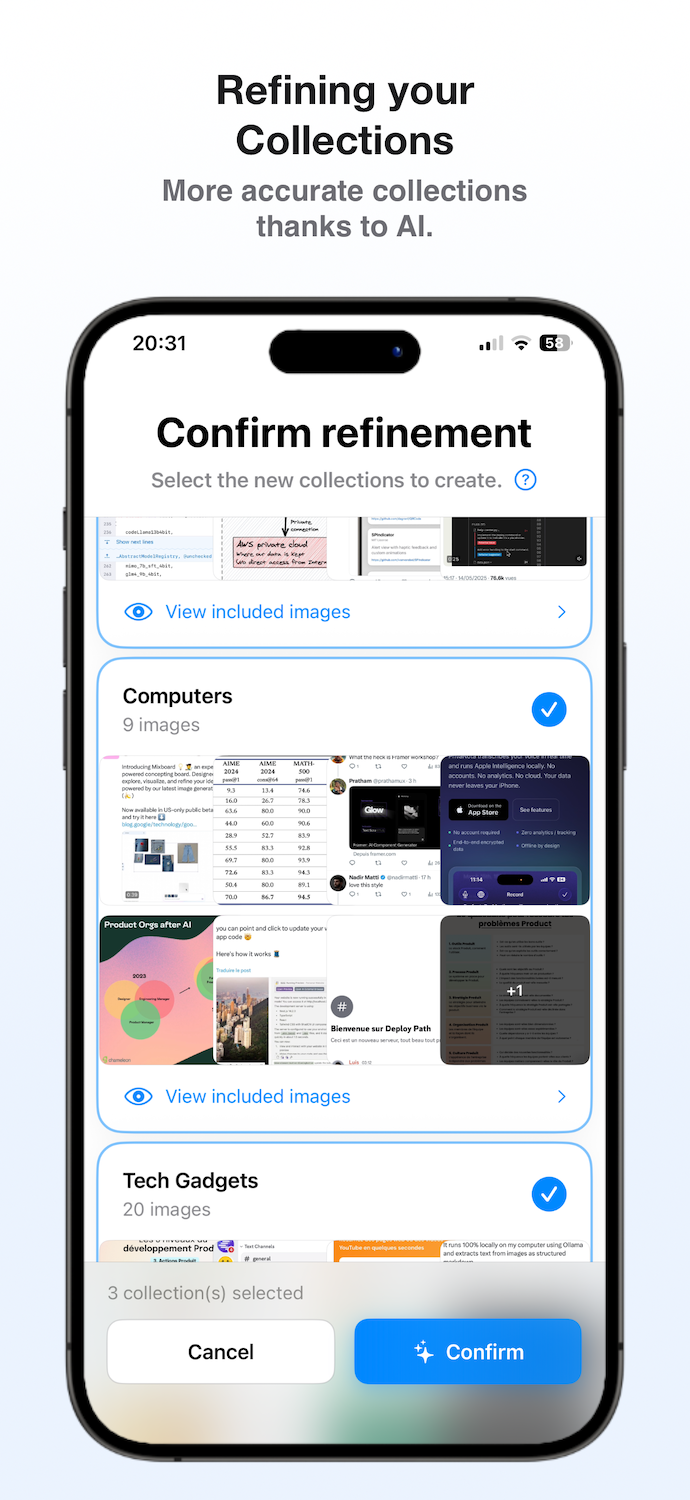
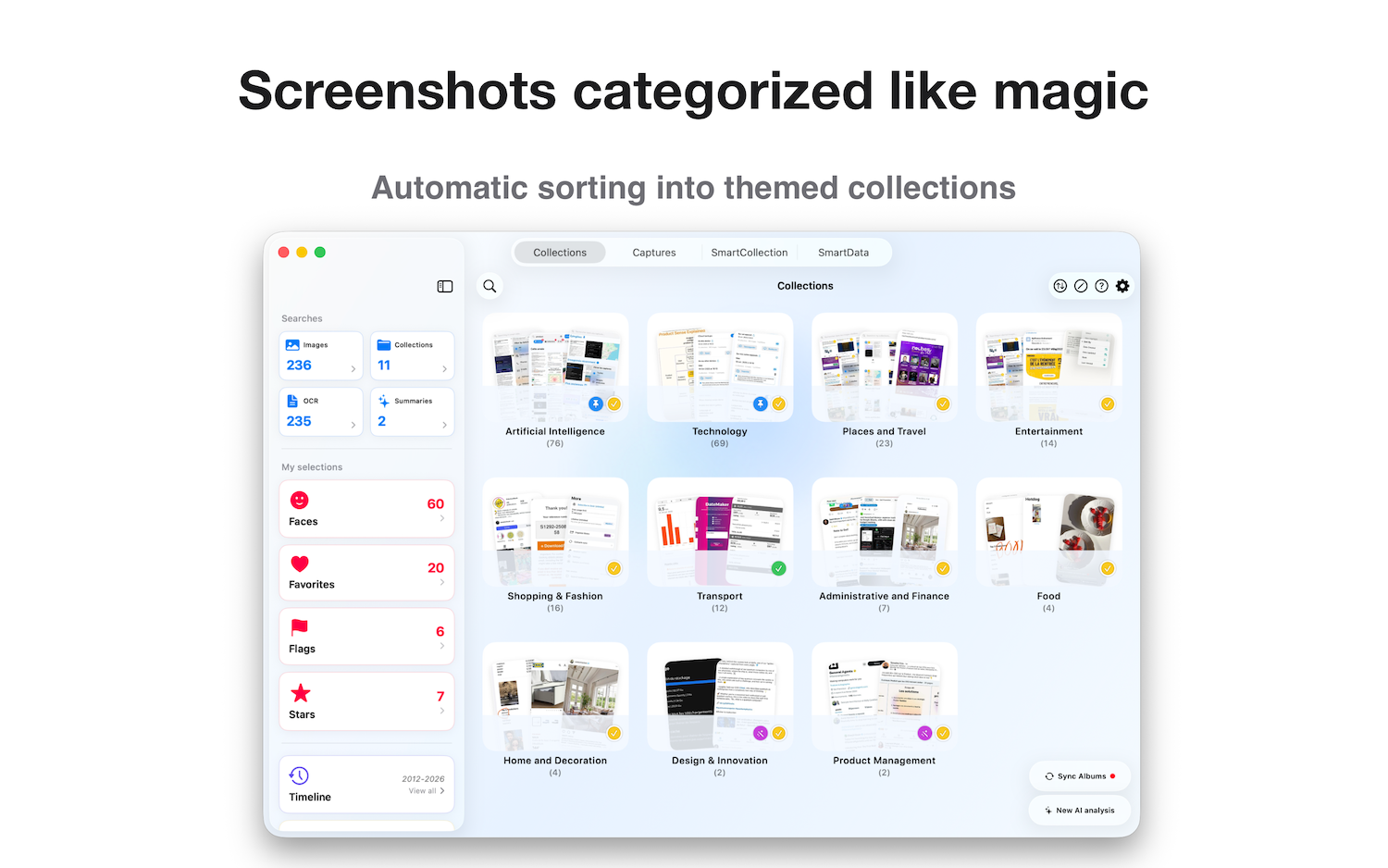
Organizes the entire existing screenshot library to build an initial set of thematic collections.
 CaptainShot
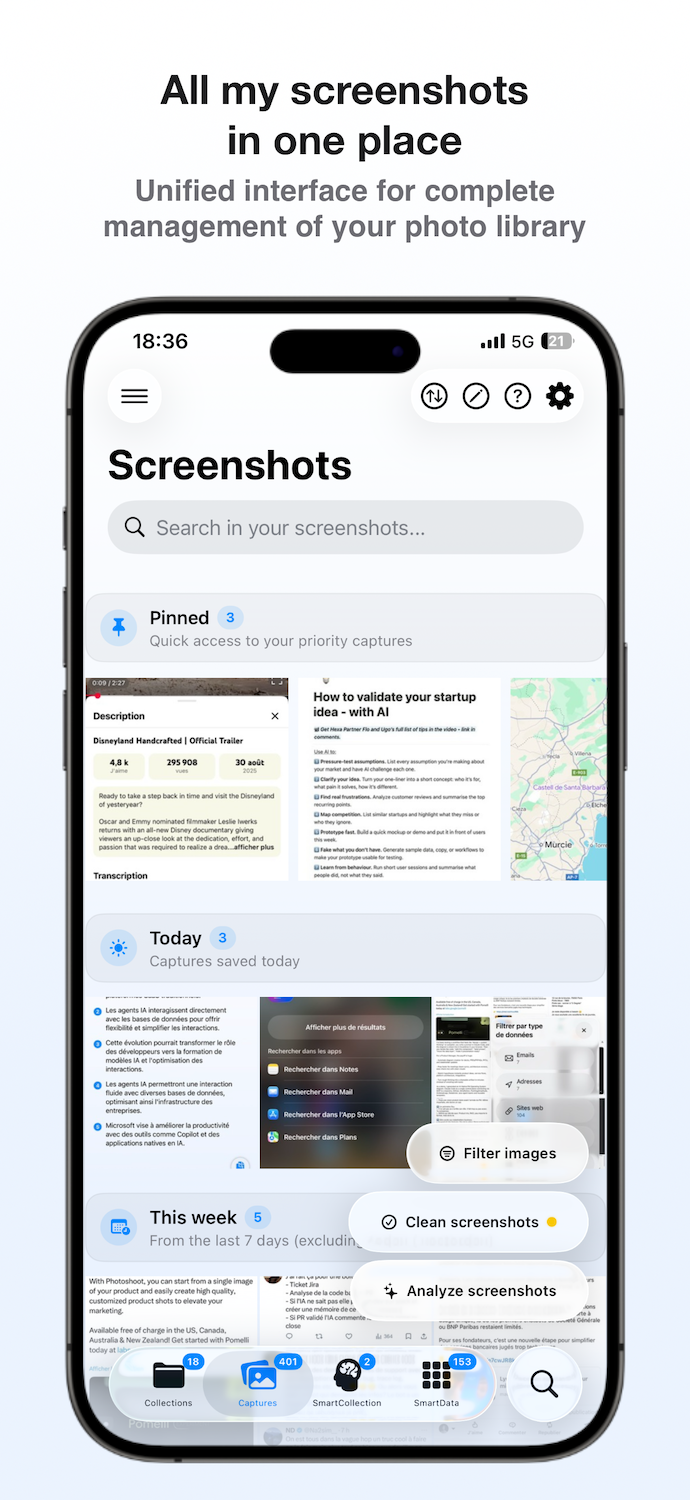
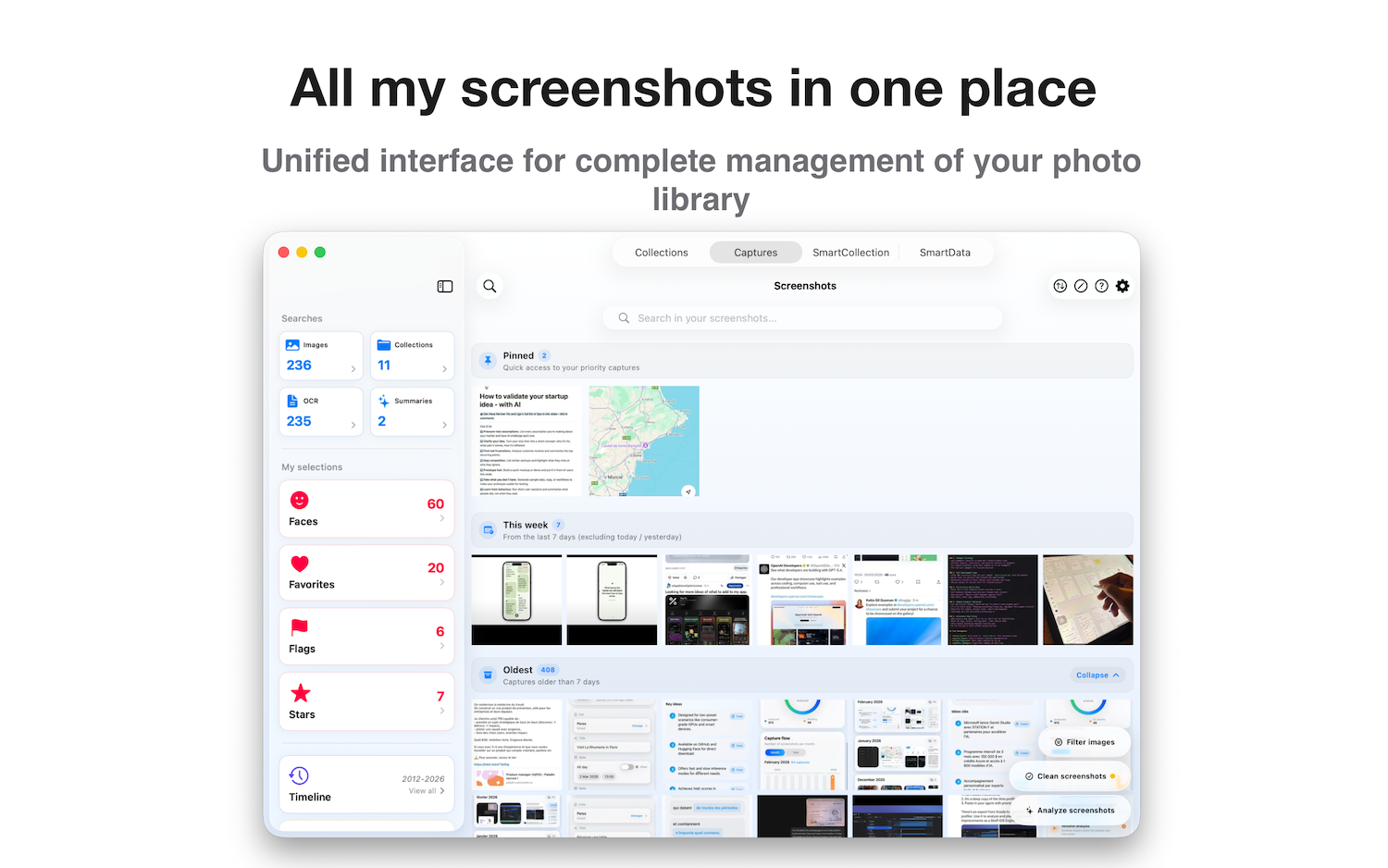
CaptainShot is a native app for iPhone, iPad, and Mac that turns a screenshot-heavy photo library into an organized, searchable, and actionable personal archive.
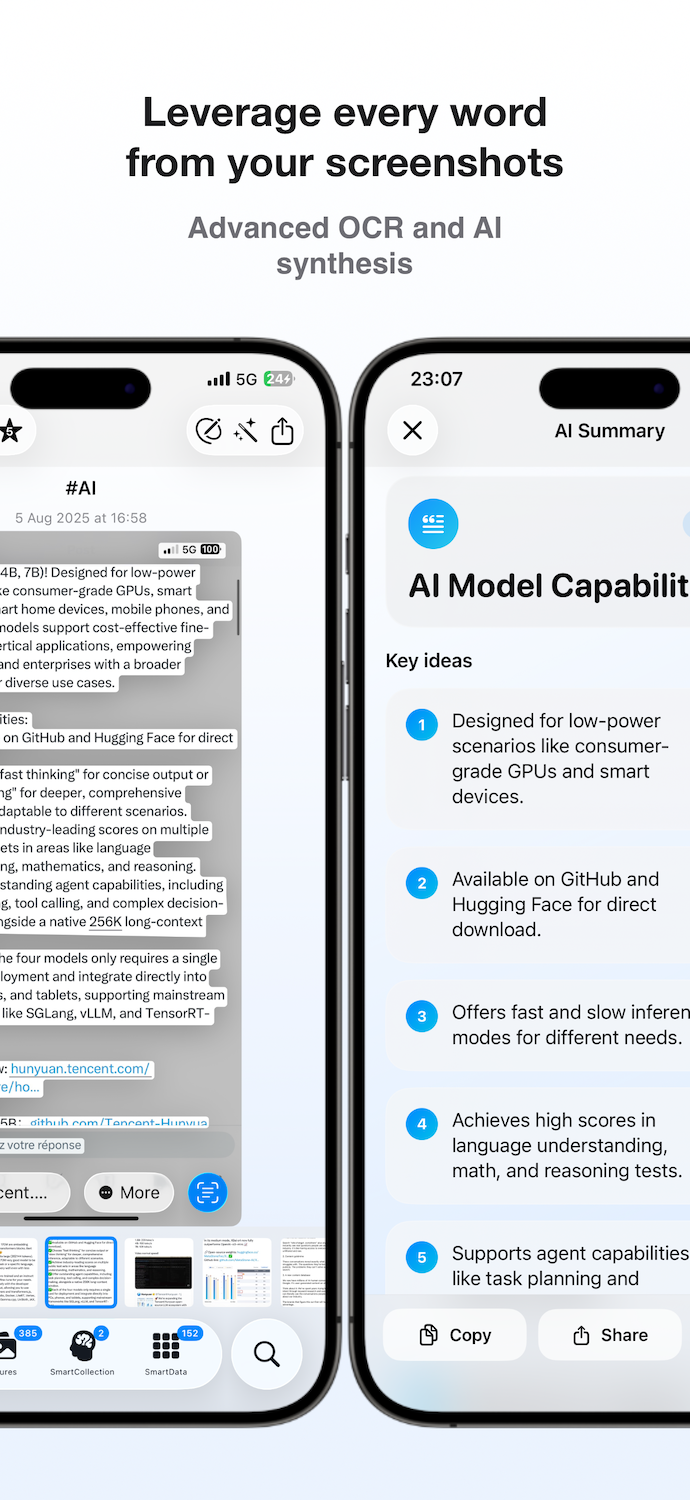
Powered by on-device AI, the app classifies screenshots by theme, extracts useful information, generates summaries, and helps turn passive images into usable outcomes.
Built from day one with a privacy-first approach, CaptainShot works without accounts, without image-processing backends, and without personal data collection.
CaptainShot started from a simple frustration.
As a product manager in tech, I was constantly taking screenshots: UI inspiration, receipts, travel bookings, AI articles, and competitor research. Over time, my camera roll filled with thousands of screenshots that were impossible to retrieve efficiently.
Search was unreliable. Albums were manual. Everything stayed trapped in passive storage.
Yet screenshots contain structured information: dates, amounts, addresses, contacts.
So I built CaptainShot.
What began as a personal side project evolved over two years into a fully native Apple ecosystem app powered entirely by on-device AI. No backend. No cloud processing. Just intelligent local analysis.
CaptainShot transforms screenshot chaos into a personal knowledge base.
CaptainShot is designed around privacy-first architecture and deep Apple platform integration.
Organizes the entire existing screenshot library to build an initial set of thematic collections.
Processes only new screenshots or newly added content since the last analysis.
Adds photographed documents, signs, slides, tickets, or notes into existing collections.
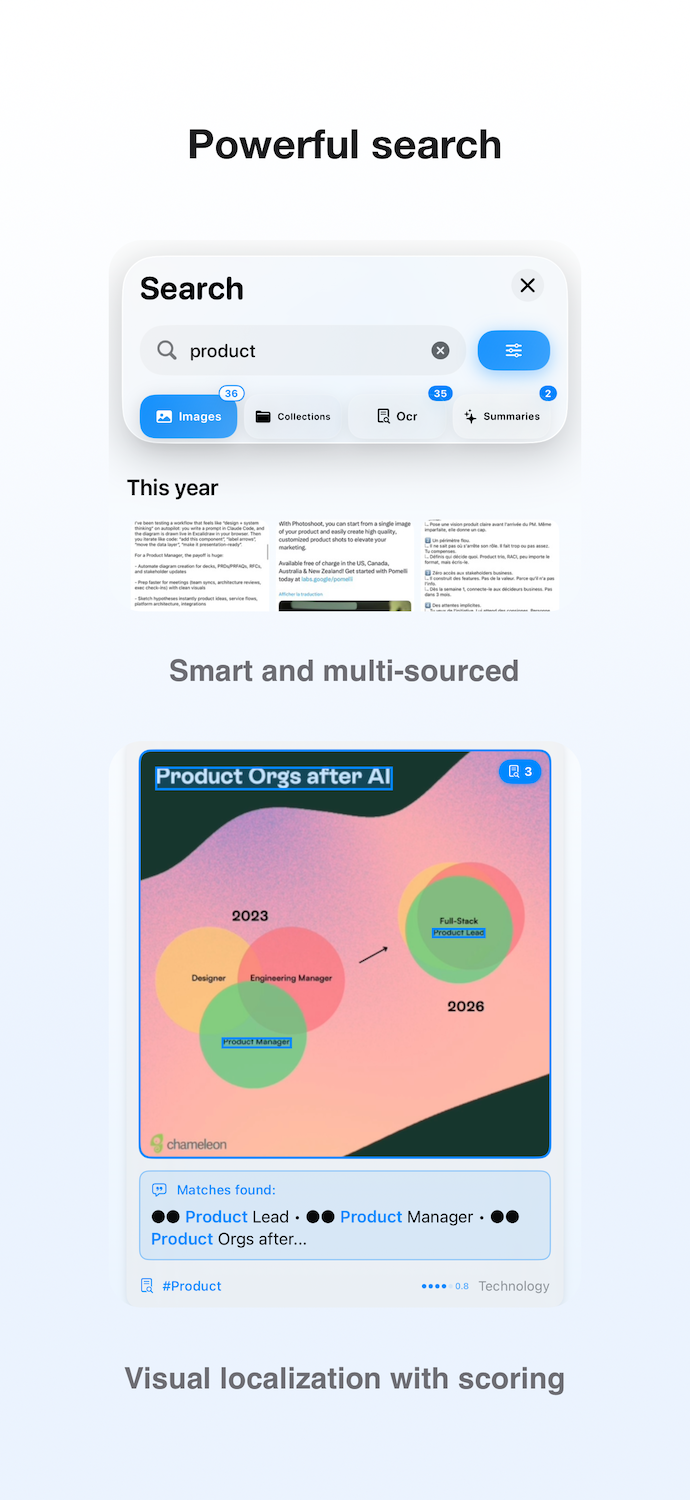
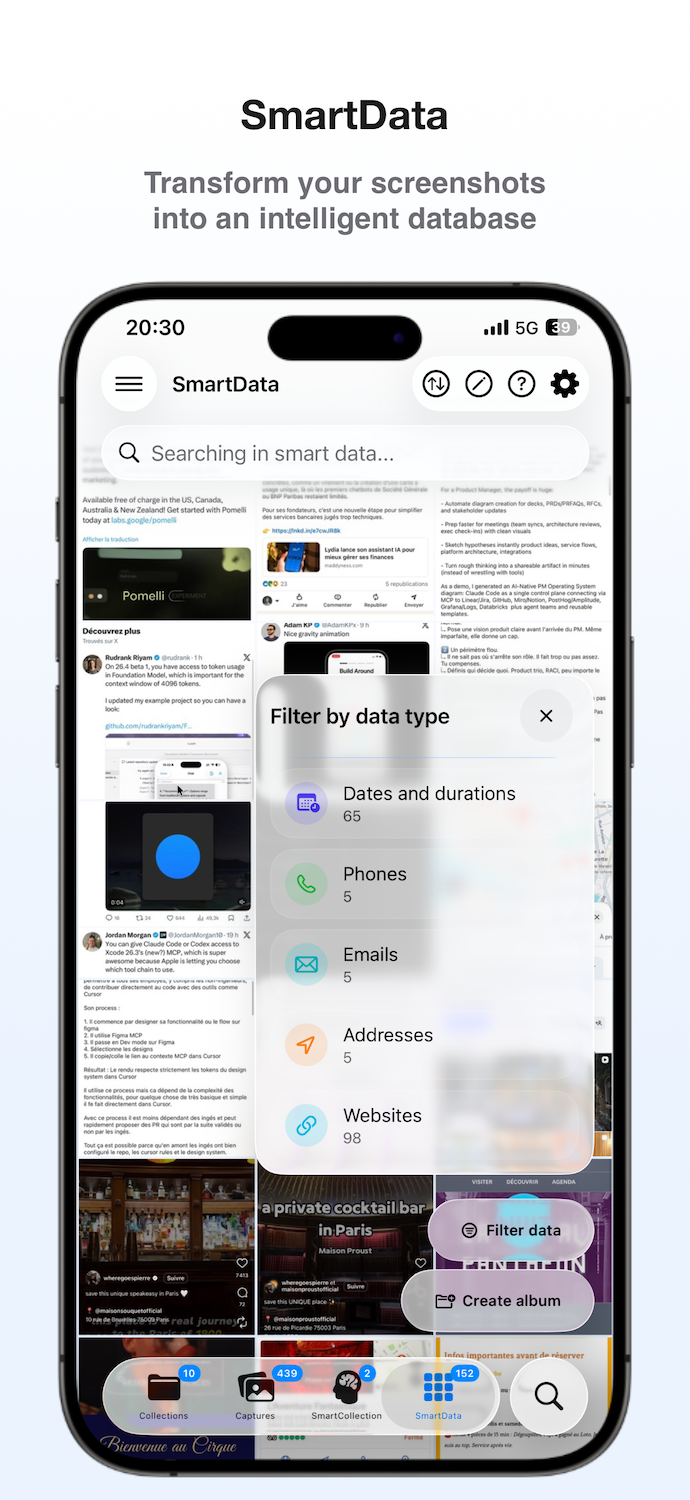
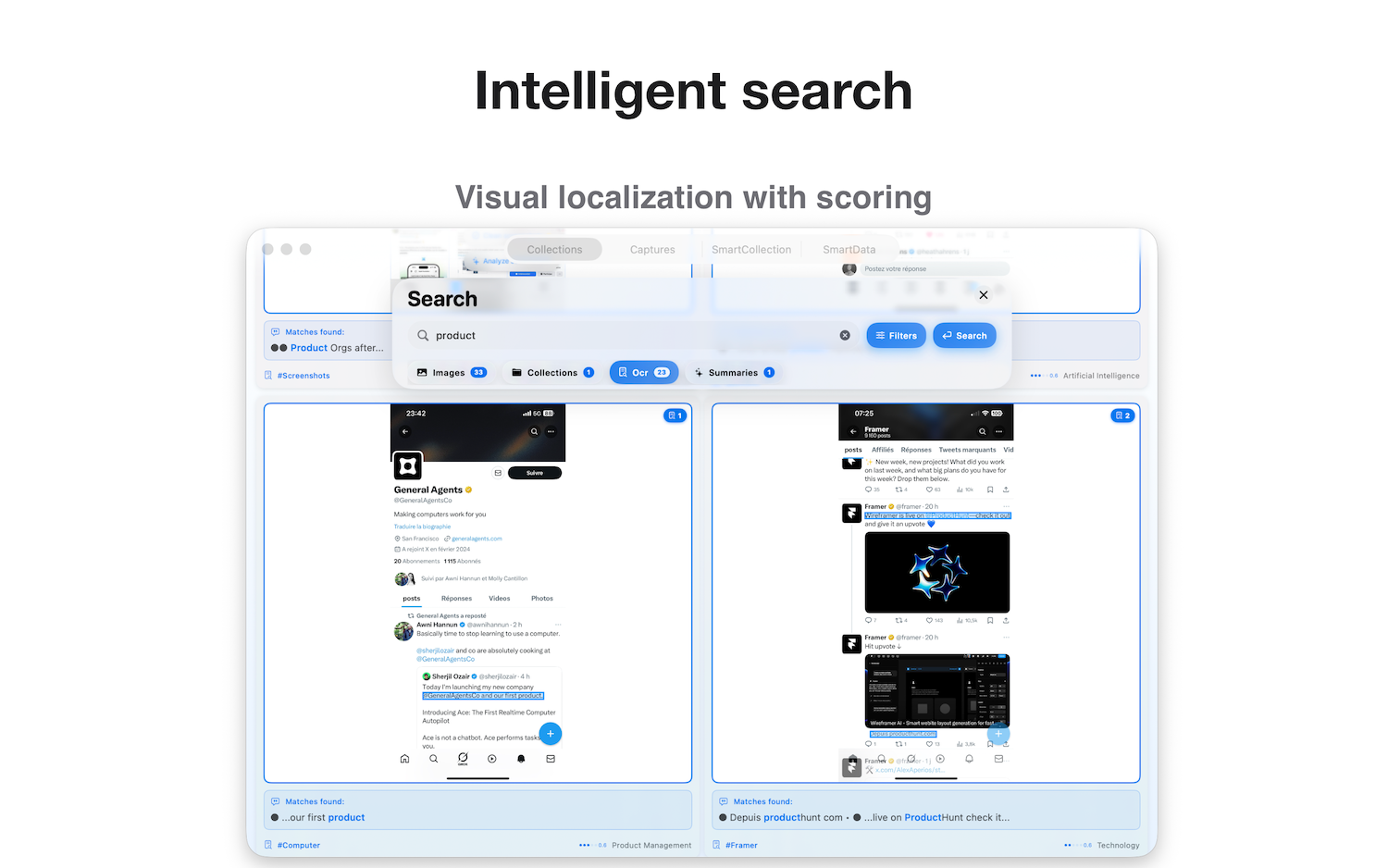
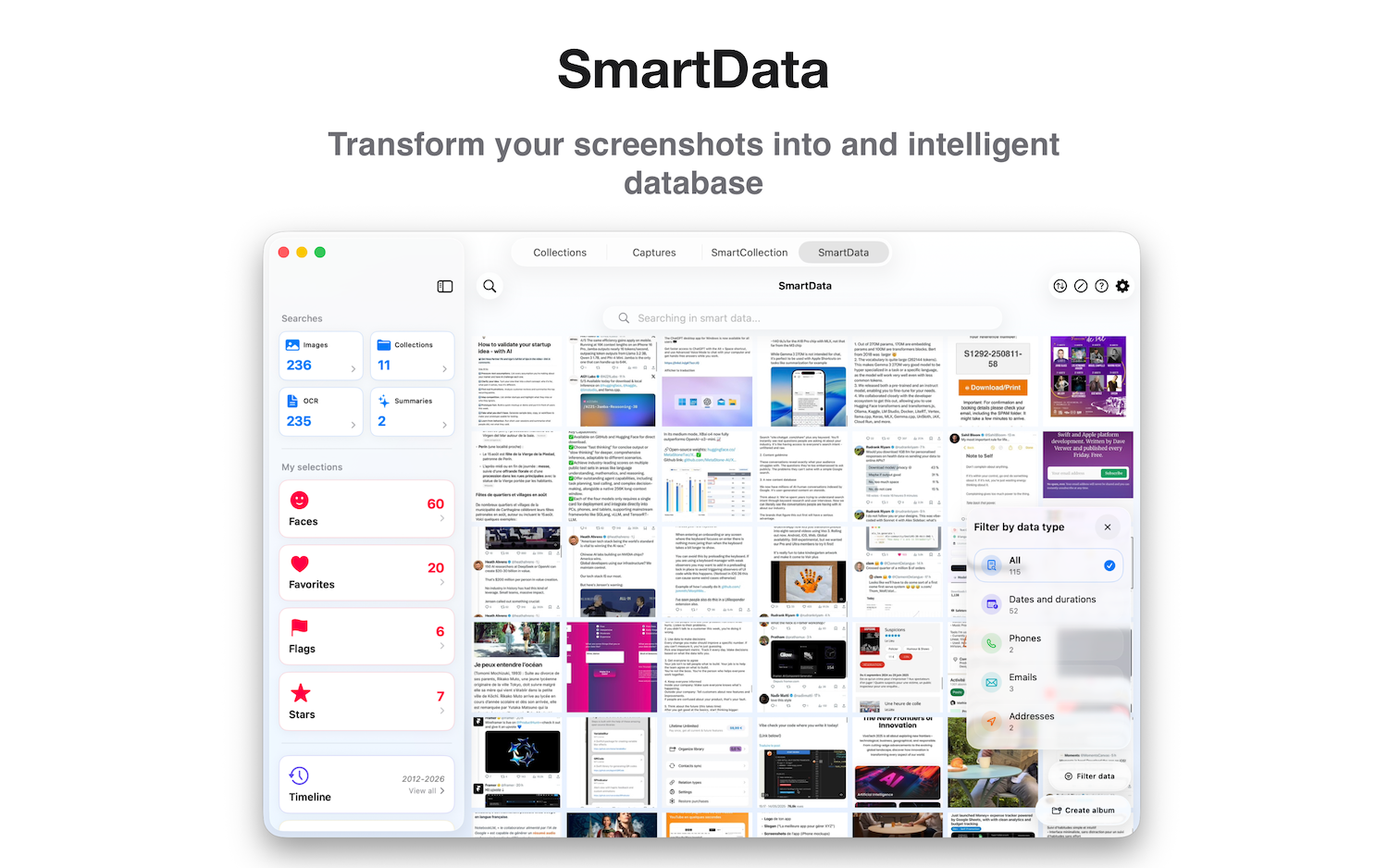
Searches across OCR text, generated keywords, AI summaries, detected data, and relevance signals.
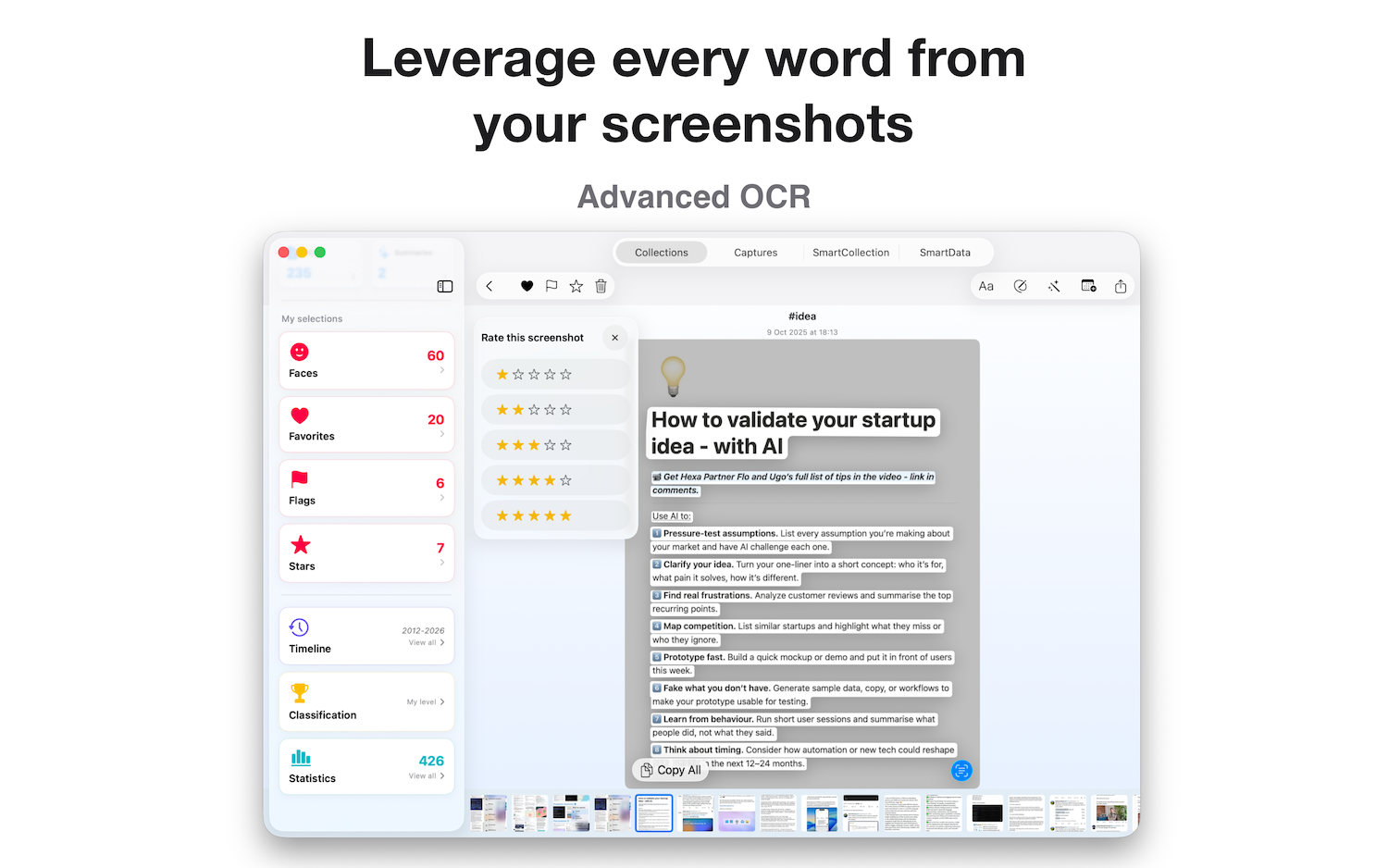
Automatically detects dates, amounts, emails, URLs, phone numbers, references, and other useful structured information.
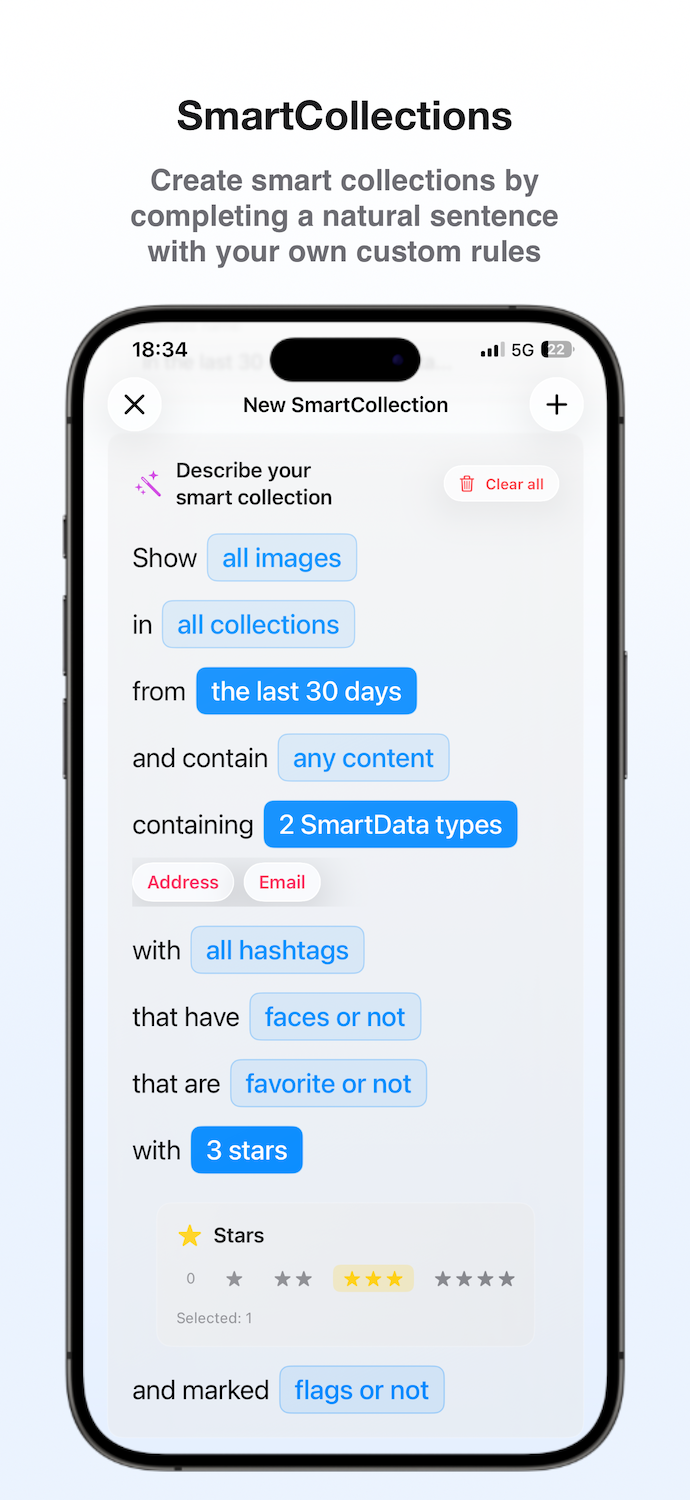
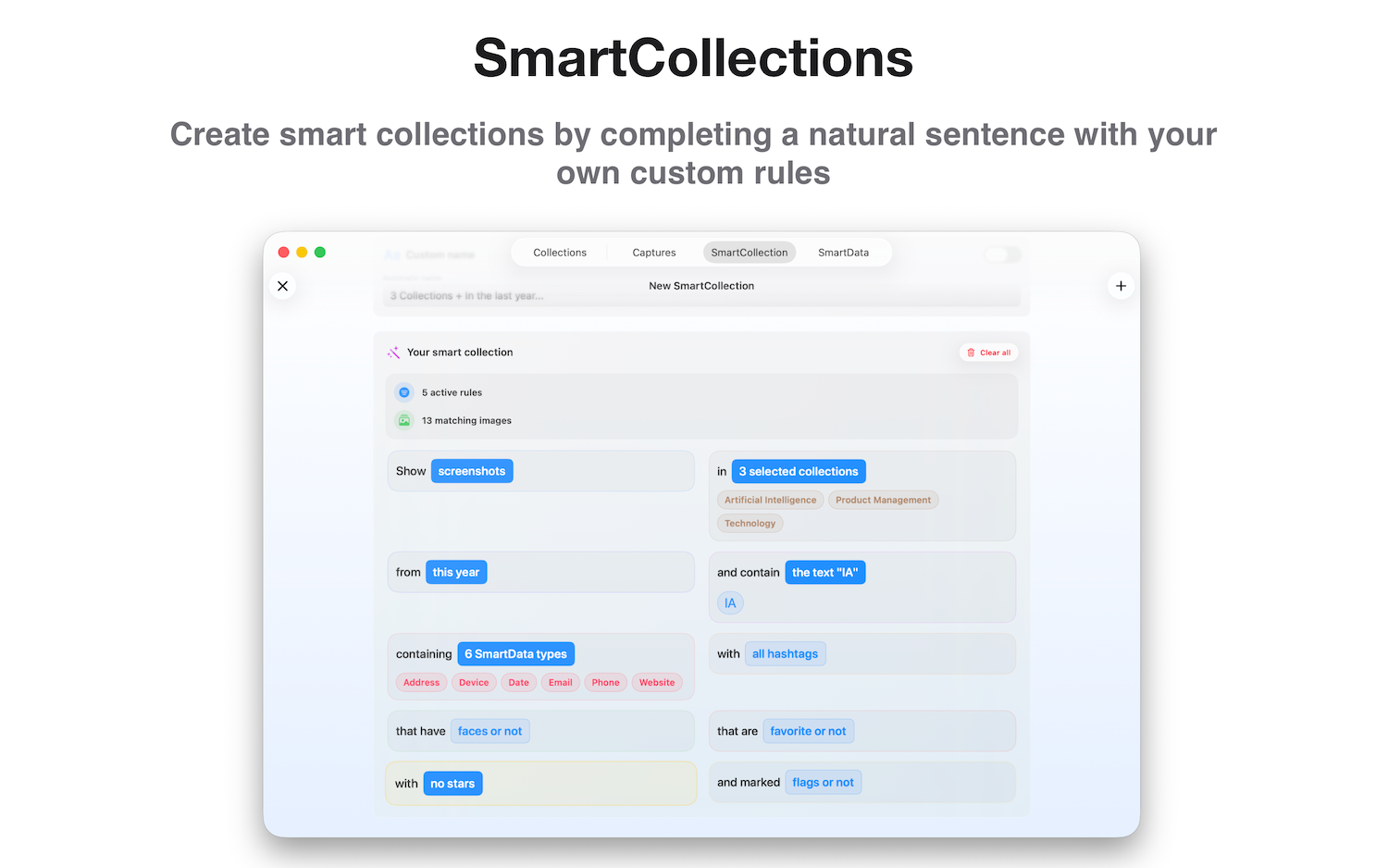
Builds dynamic collections from combined rules based on image type, text, data, time period, or status.
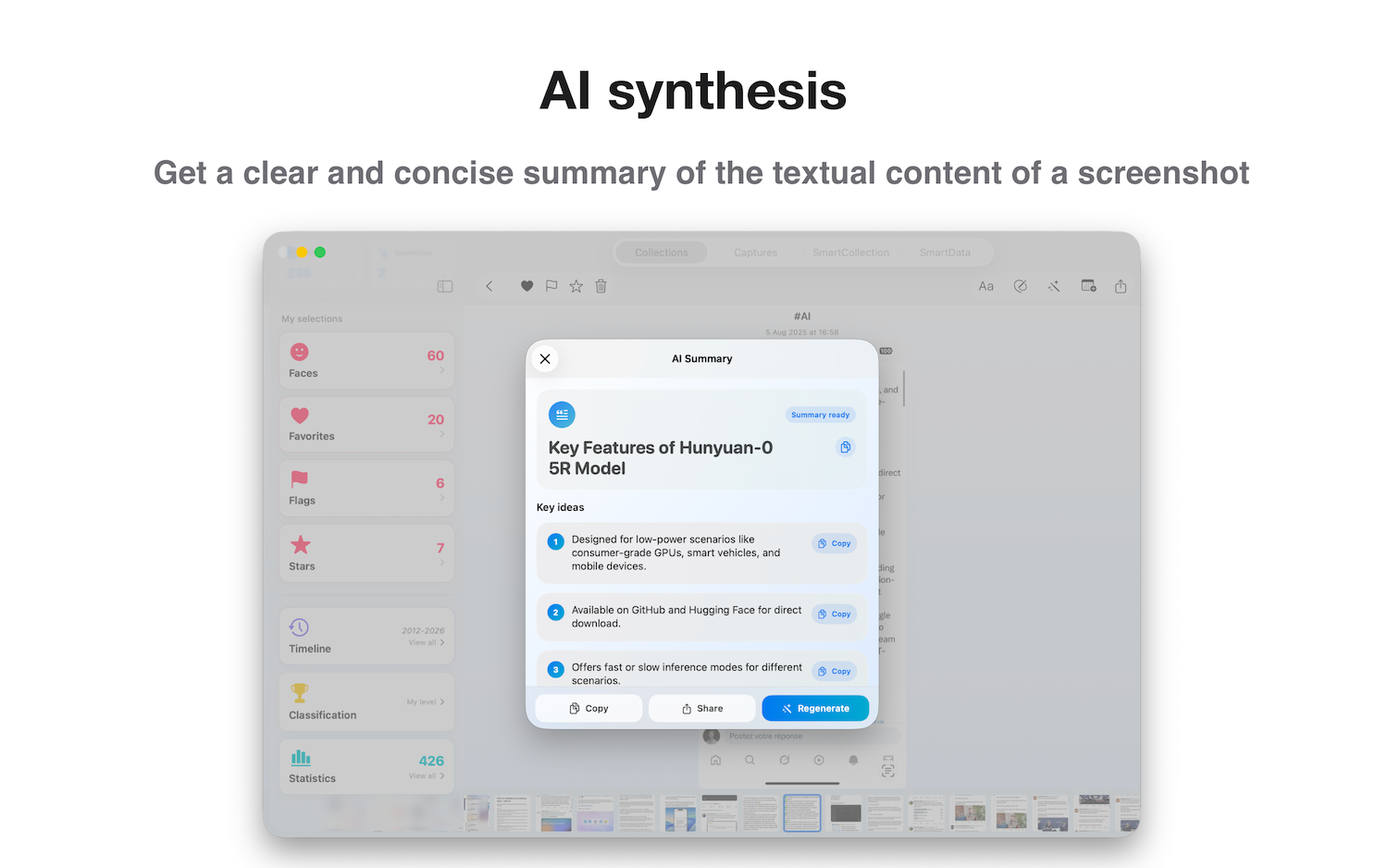
Generates a short title and key ideas from the textual content of a screenshot.
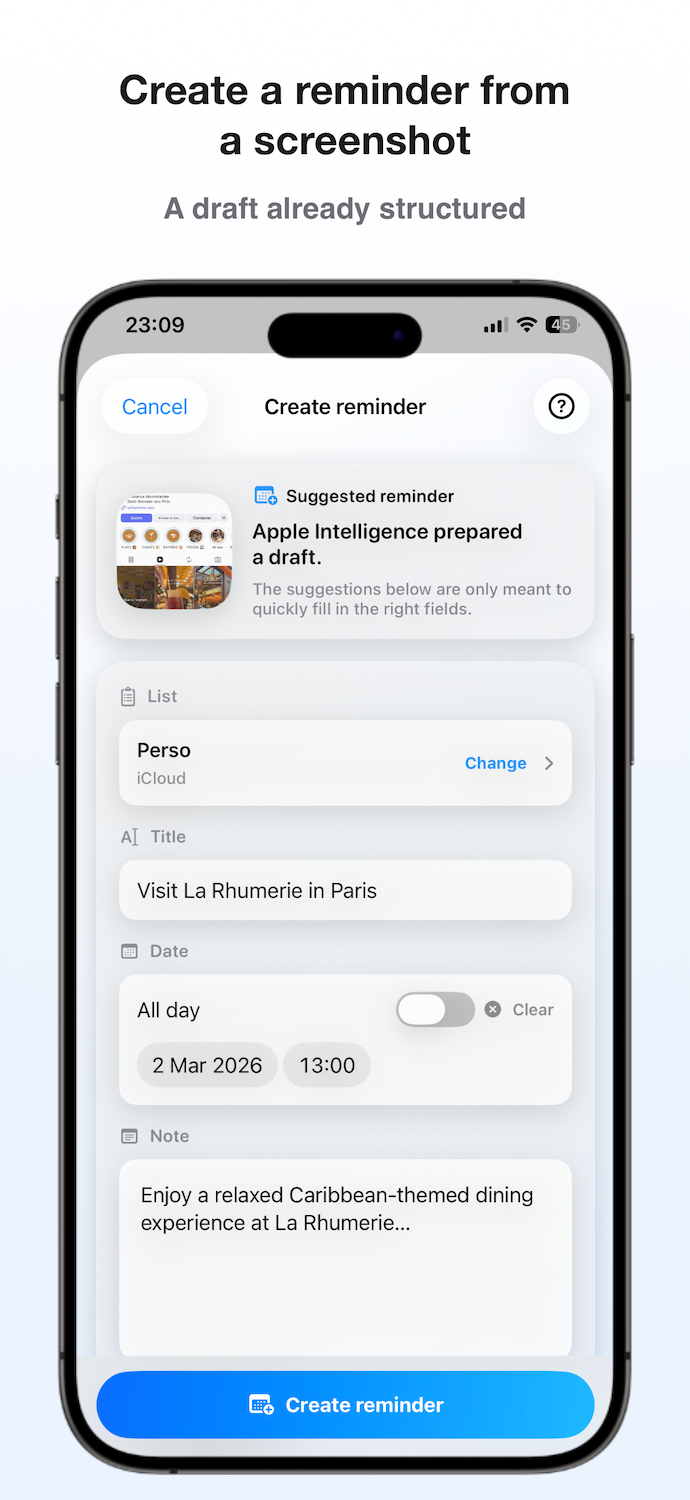
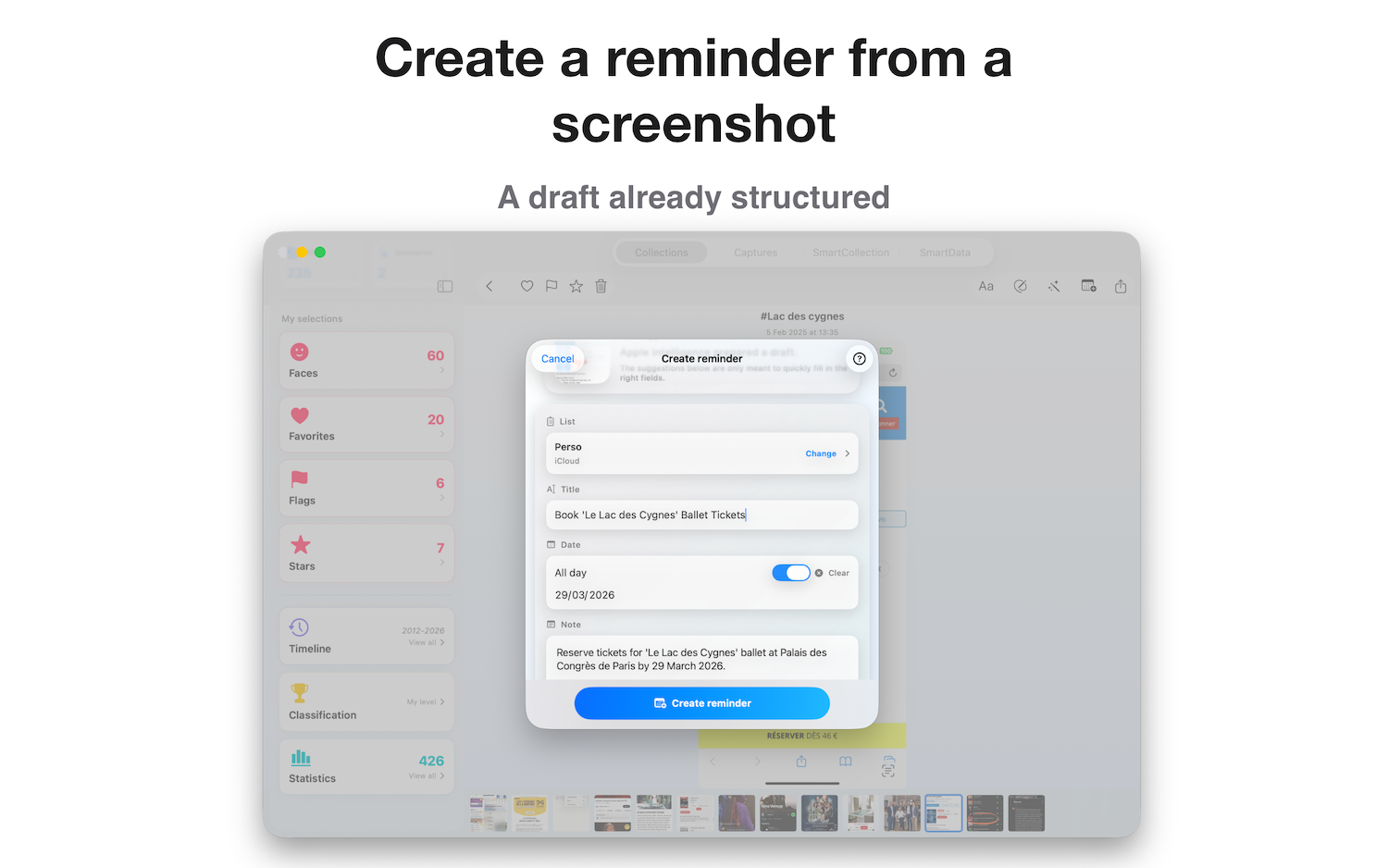
Prepares an Apple Reminders entry with title, notes, and a suggested date.
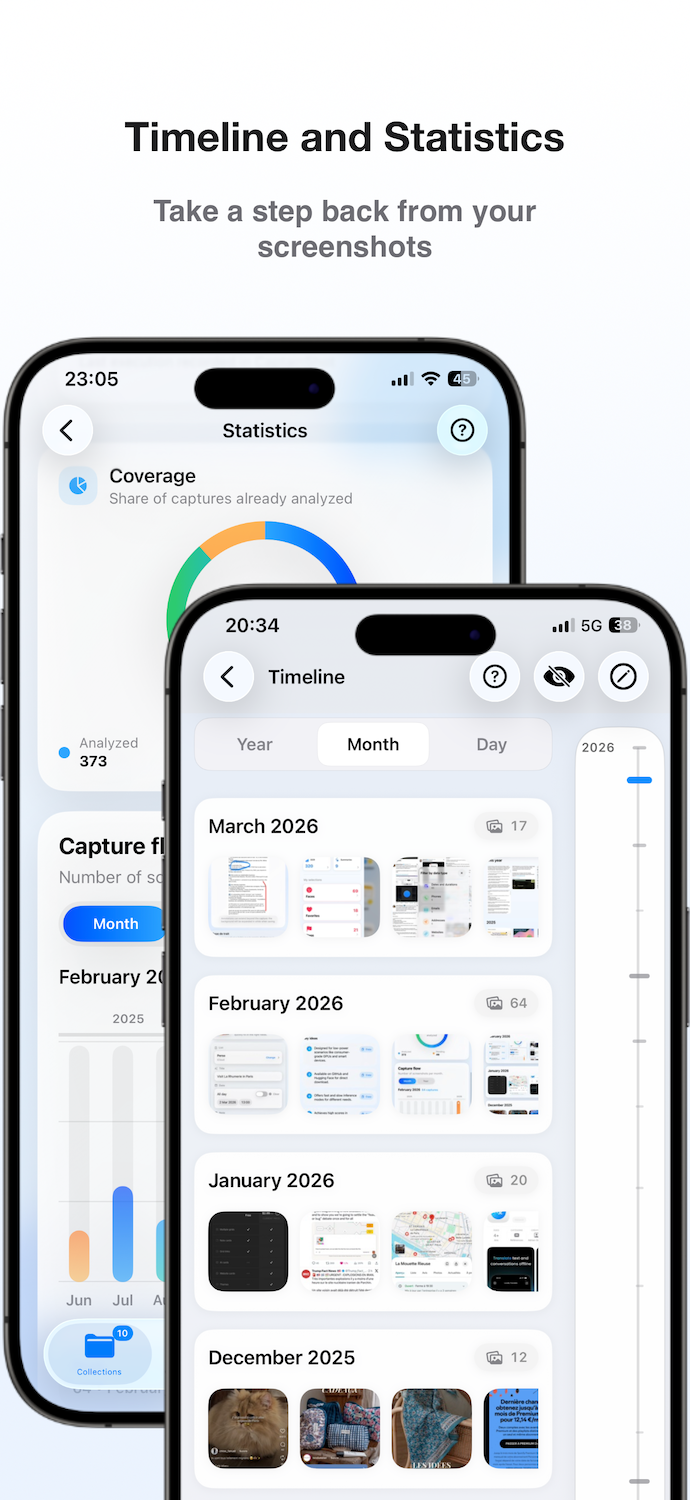
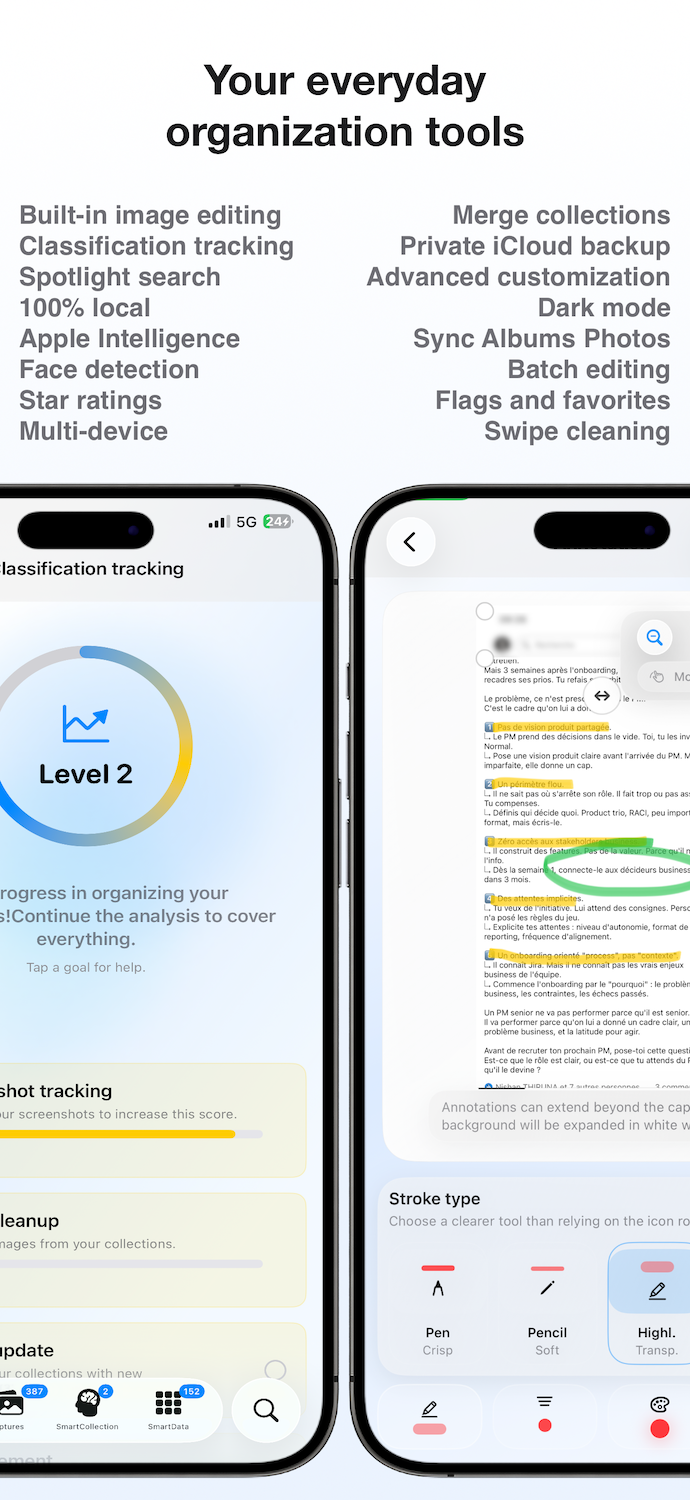
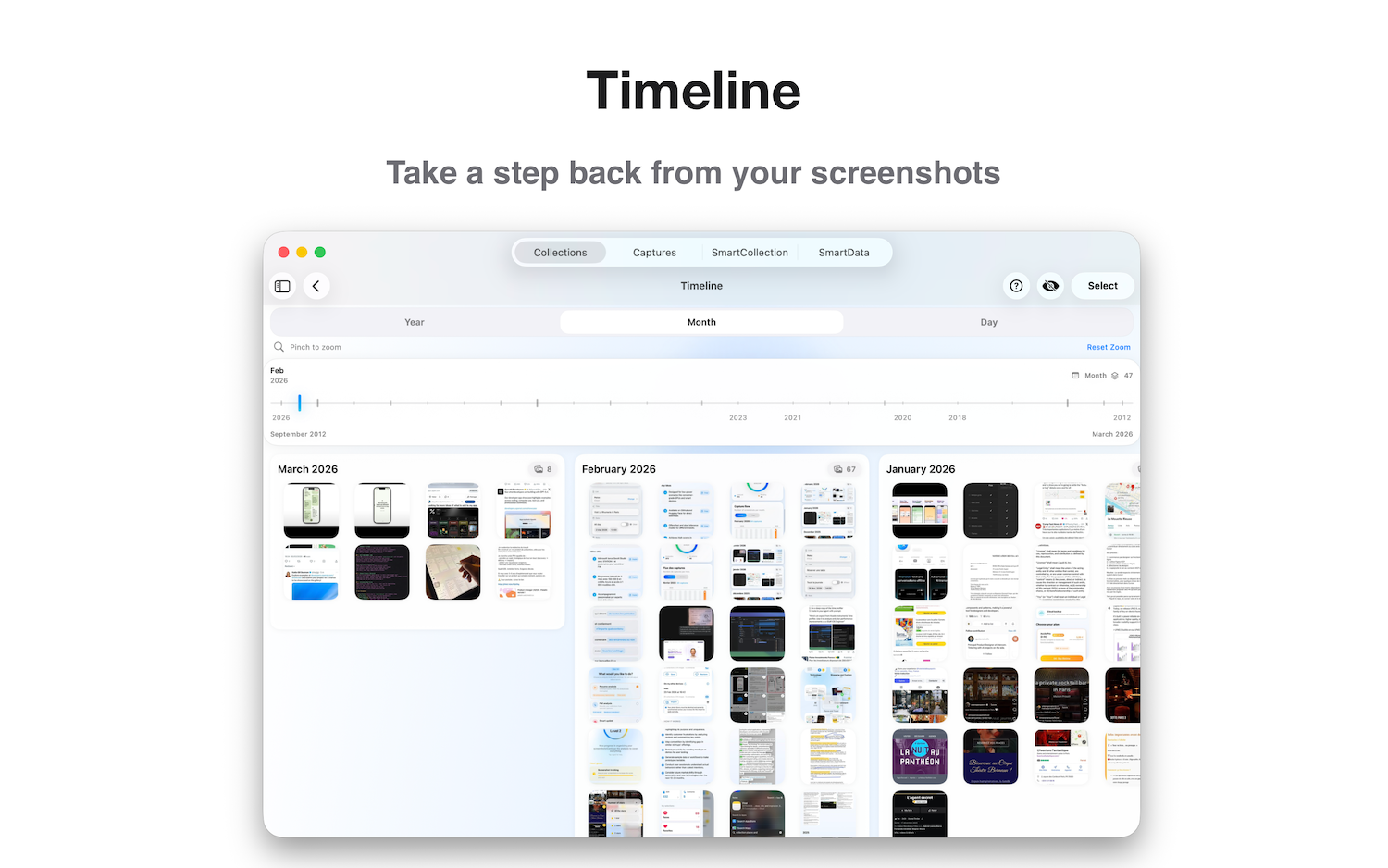
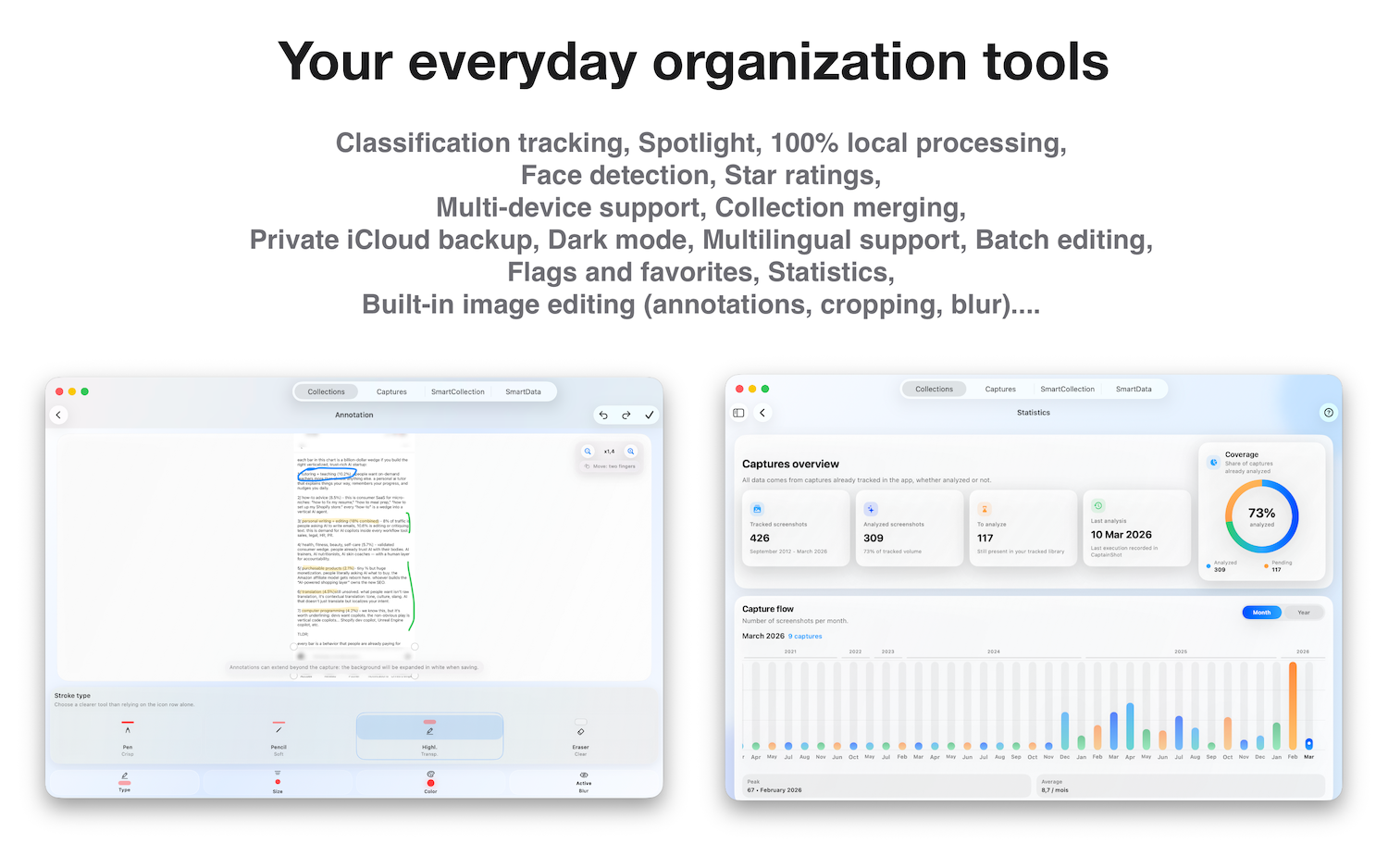
Provides chronological browsing and visibility into screenshot volume and library evolution.
One subscription across iPhone, iPad, and Mac, with private iCloud storage limited to organization metadata.
CaptainShot is built entirely in Swift and SwiftUI.
Core technologies include:
The core experience runs locally on the device. Some supporting features, such as iCloud backup or subscription verification, may require connectivity.
We’re happy to help with any questions. Reach us at team@captainshot.ai.
You’ll reach a real person who can arrange interviews and provide original materials.